CX Codeaxis OÜ AI apps & automation
An aisle of closed server racks in a Tallinn server hall at night, one rack door open with a thin amber light spill.

Solution areas · Estonia

Which office chore should AI take first?

Four solution areas, compared side by side. Each one starts from a workflow your team already runs and ends with an output a person reviews before it leaves the building.

01 Inbox 02 Extract 03 Draft 04 Review 05 Signed

How to read this page

Compare, then pick one pilot.

This page compares the four solution areas CODEAXIS OÜ delivers for Estonian firms. Each one starts from a real workflow and ends with a reviewable output. Read the options, note the input your team already has, and choose one pilot to begin with.

Nothing here assumes you have run an AI project before. If your team can point to one recurring task and one source of truth behind it, that is enough to start.

The four solution areas

Four ways in, one workflow at a time

The plates below sit in reading order of the page: sales drafting, support, listings, then the knowledge work that keeps any of them trustworthy. The fifth plate covers the data prep that runs underneath all four.

Plate 01

Sales and procurement drafting

For wholesalers and manufacturers answering RFQs. The system reads the enquiry, finds matching items and price rules, and drafts a quotation for staff approval. You keep final pricing control.

Best when you handle at least 30 similar enquiries per month and price from a stable list.

Input your team already has — incoming enquiries + price list.

Plate 02

Customer support assistants

A chat assistant trained on your help articles, delivery terms, and past tickets. It answers in Estonian and English, quotes its source, and opens a ticket for complex cases. You set which topics get direct answers and which stay as drafts.

Fits teams with 50 to 300 tickets monthly that repeat the same delivery and stock answers. Logs show what was answered and what was escalated.

Input your team already has — help centre + ticket history.

Plate 03

Document and listing generation

For sellers, service firms, and back offices. The tool turns photos, tables, or short notes into structured drafts: product descriptions, service summaries, meeting notes.

We build templates for your catalogue, keeping names, dimensions, and prices pulled from your files rather than invented.

Input your team already has — item photos + a catalogue file.

Plate 04

Knowledge cleanup and maintenance

Before an assistant can answer reliably, facts must agree. We help structure company knowledge into attributable entries, flag contradictions, and set a review rhythm. That includes duplicate price rows, outdated delivery terms, and conflicting contacts.

Many clients run this as a two-week step before launching a chat assistant.

Input your team already has — internal docs + a list of who owns them.

Plate 05

Data review that supports the rest

Good automation needs tidy inputs. We pair light data engineering with AI: dedupe tables, standardise columns, map fields between email, sheets, and accounting software. No large warehouse project.

Just enough cleanup to make the pilot stable — done as part of any of the other four areas.

Input your team already has — a spreadsheet, helpdesk export, or mailbox.

The bench behind the answer

What happens after you send the sample

Every pilot starts with a small bench session: we sit with one of your real enquiries, one real item photo, or one recurring support question, and let the tool run the same steps your team would. Screens stay unreadable on purpose in the photographs — the pattern is what we are showing, not the specific record.

After that session you either say "yes, keep going" and we spend four weeks building the workflow with you, or you take the pattern back in-house. Both outcomes are useful.

A hand mid-keystroke at a night procurement desk, a glowing screen edge and a keyboard lamp lighting the work.

A Tallinn procurement desk after hours — the enquiry, the item list, the draft.

The stage each solution walks

Five stages, whichever area you pick

Inbox → Signed. The same hand-off, in order.

01 Inbox 02 Extract 03 Draft 04 Review 05 Signed
  1. Stage 01 · Inbox

    The enquiry arrives

    An RFQ in the mailbox, a support ticket in the helpdesk, a photo of an item, a doc that needs rewriting. The tool watches the channel your team already uses — no new portal to adopt.

  2. Stage 02 · Extract

    The facts come out

    Quantities, item codes, preferred language, delivery terms, product identifiers, dates. Anything the tool is not sure about gets marked, not guessed — that mark is what routes the case to a person later.

  3. Stage 03 · Draft

    A first version is written

    A quotation, an answer, a listing draft, a structured note. Names, dimensions and prices come from your files — not from the model's memory. This is the draft a person will actually edit.

  4. Stage 04 · Review

    A person approves or edits

    Approval steps for quotes and external answers. Confidence thresholds that push low-certainty cases to staff instead of guessing. The reviewer sees the draft and the source the tool used, side by side.

  5. Stage 05 · Signed

    It leaves the building

    The signed quotation goes to the customer, the answer goes to the sender, the draft goes to the marketplace. Logs record time, source, and editor so the workflow is answerable after the fact.

Multilingual by default

Estonian office, two inboxes, one answer

Estonian offices live between languages. Our tools detect the incoming language, keep artificial-intelligence terminology consistent, and answer in the sender's language. Product codes and legal phrases stay locked in the original.

That matters for firms serving Estonian and English-speaking clients from one inbox in Lasnamäe or Ülemiste — where the buyer and the operations team rarely write in the same language on the same day.

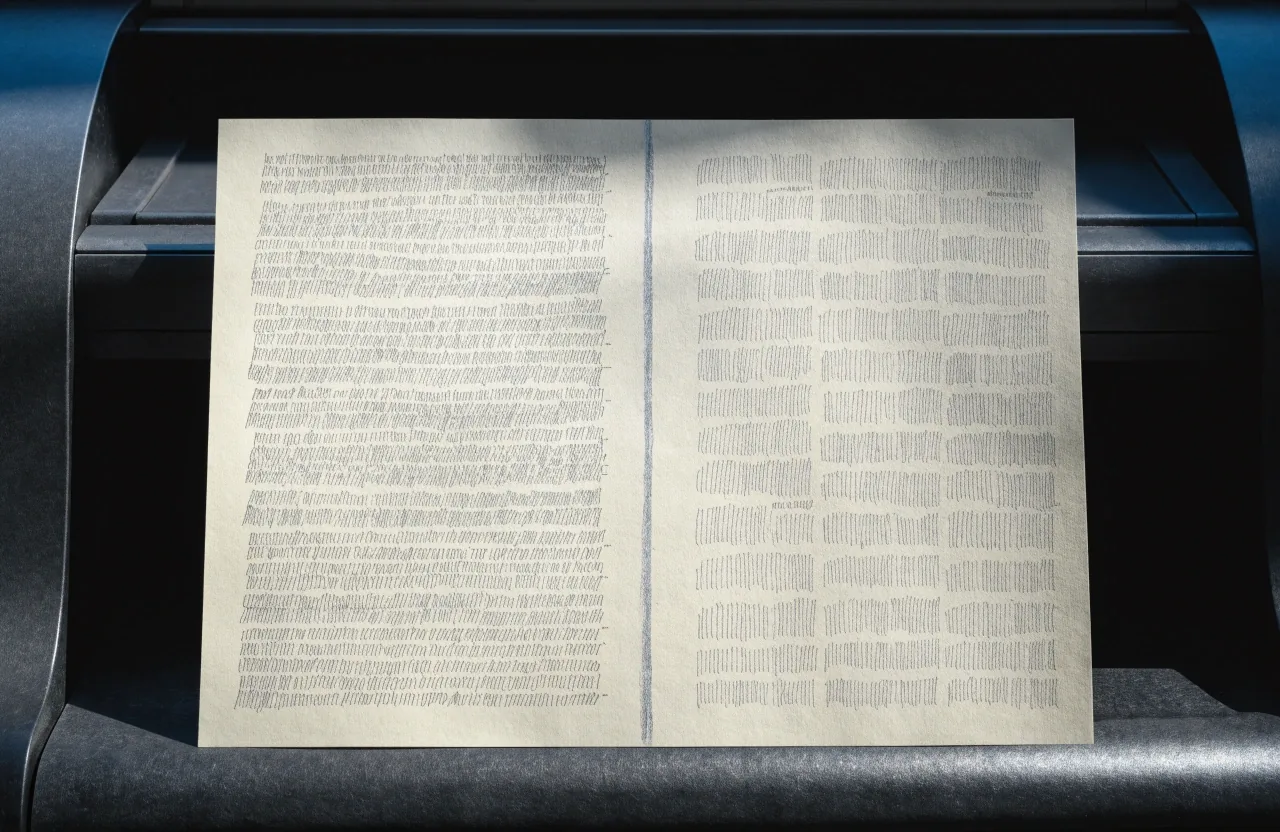
Two pale document sheets side by side on a black desk, divided by a thin graphite strip.

Two languages, one workflow. The tool keeps product codes locked.

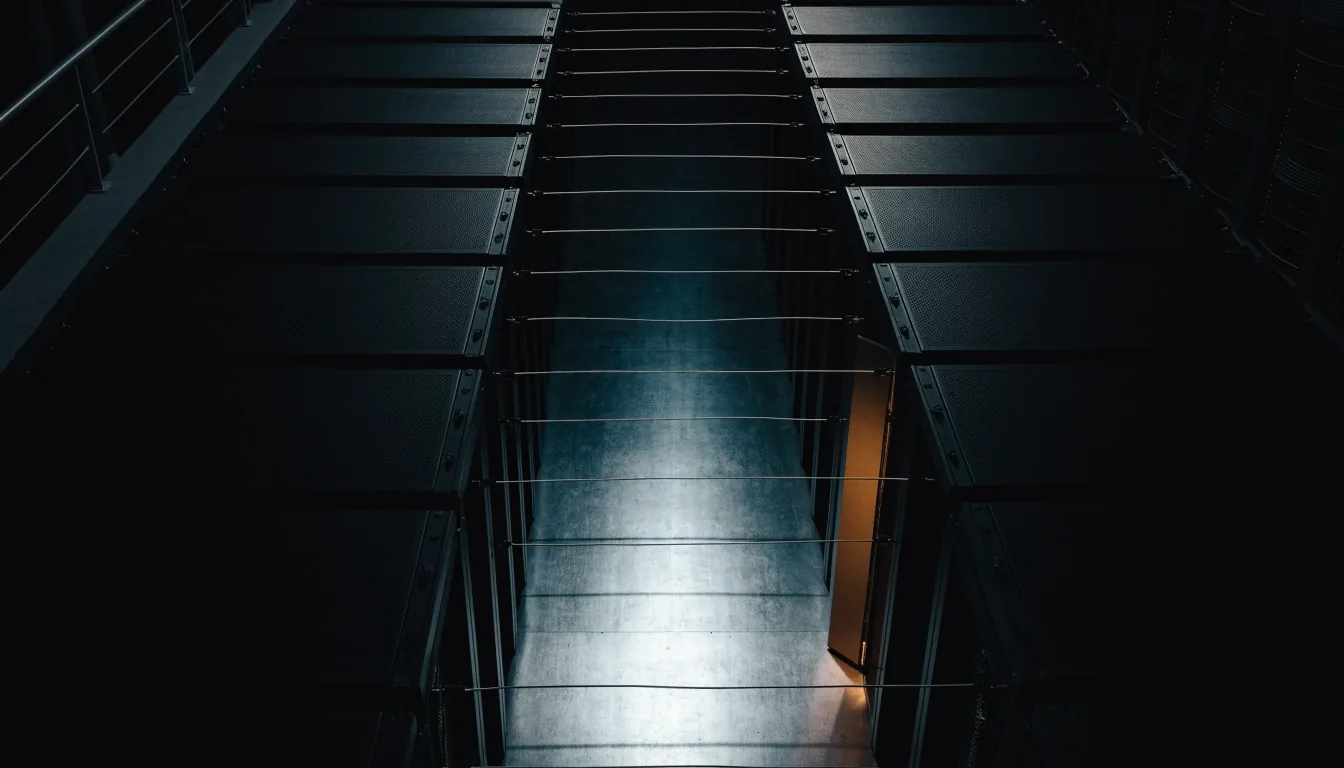
An aerial view of rack rows and cable trays on a Tallinn data-centre floor at night.

The room the pipeline runs in. Sepapaja tn 6, Lasnamäe, Tallinn.

Controls you get with every solution

Approve it, log it, or hand it back

Approval steps for quotes and external answers. Confidence thresholds that route low-certainty cases to staff. Logs with time, source, and editor. Retention settings you choose. If your workflow touches personal data or security requirements, we tighten access before go-live and document it in plain language.

Default at every pilot

  • Approval before any quote or external answer leaves.

  • A confidence threshold that sends uncertain cases to a person.

  • A log of what was drafted, by which source, and who approved it.

  • A retention setting your team chooses, not one we assume.

How to compare and choose

Pick the workflow with the highest weekly repetition

The clearest sign that a workflow is ready is that it repeats weekly and its source of truth is one file your team already trusts. Below is the honest reading of when each area wins.

01 · Sales

Wins when pricing is stable and enquiries repeat.

02 · Support

Wins when the same questions come back week after week.

03 · Listings

Wins when catalogue quality is limiting what you can sell.

04 · Knowledge

Wins when staff no longer trust the internal files.

Ask about knowledge cleanup

Or tell us your pick in the contact form and we will confirm whether it fits a four-week pilot.

Questions we get asked

Answering before you ask

The three questions that come back on almost every first call, with the answers we give on the call.

What does a practical AI tool look like in a multilingual market?

It detects Estonian or English, answers in the same language, locks product terms, and quotes its source so staff can check it fast.

Which sector is most open to AI agents?

Wholesale, logistics support, and resale, where enquiries and listings repeat and price lists exist.

Do we need to change our software?

No. We connect to your current email, sheets, or helpdesk and add the AI step in between.

What the pilot actually contains

Four weeks, one workflow, one owner

A pilot is not a project plan. It is one workflow, one reviewer, one measurable outcome — and a plain-language write-up of what the tool now does and what it still does not.

Week 1–2
Bench session with one real enquiry, item, or ticket. Together we agree the input, the source of truth, the approval step, and the number of outputs the tool should produce for review.
Week 3
Light data work fills the gaps the bench session found: dedupe, standardise columns, lock product or legal terms. No warehouse, no migration.
Week 4
Go-live on the single workflow with the reviewer in place. You receive a written summary of what runs, what is logged, and what remains manual.

Next step

Tell us your pick — we confirm the fit

Bring the workflow you want AI to take first, the source of truth behind it, and the reviewers who will check the output. That is enough for us to say yes, not yet, or pick the other one.

Typical response is within one working day, Monday to Friday, from the team that would actually run the pilot.

Reach us directly

Office hours

Monday to Friday, 9:00 – 18:00

Studio

CODEAXIS OÜ
Sepapaja tn 6, Lasnamäe linnaosa
Tallinn, Harju maakond, 15551 Estonia